
What have we improved?
Using the application is now even faster and easier with numerous advanced functionalities.
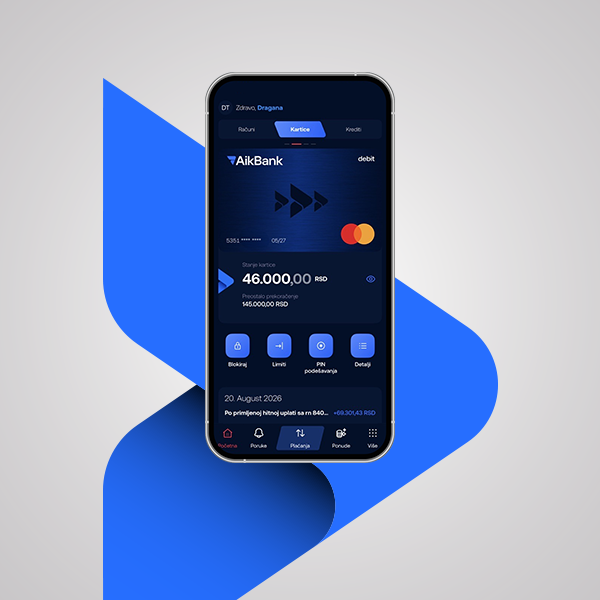
Card Management
- Display of card data - You can view the complete card number, validity date and CVV code at any time.
- Blocking the card - In case of losing the card or suspecting that it is compromised, block your card in a few clicks. Without calling the Contact Center or going to the nearest branch.
- Card unblocking - The moment you want to unblock your card, you can do it completely independently and online.
- Checking and changing your PIN code - You can check your PIN code in case you forget it or change it if you want.
- Credit card statements in the app - You can access your credit card statements.
Simpler payments
- Foreign currency payments - Cheaper, simpler and faster payments directly from the mobile application, without going to a branch.
- Payment to a phone number - Faster money transfer with the Transfer service by selecting a contact from the directory or entering a phone number.
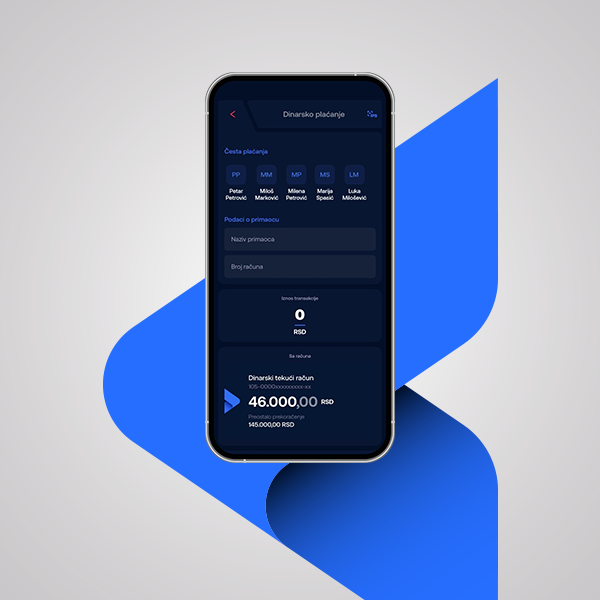
- Faster repeat payments with a template - Save your payment details as a template on the first transaction and repeat them in the future with a click without re-entering them.
- Faster confirmation of online purchases - You confirm online purchases through the application. The request is waiting for you as soon as you open it, without restarting the process.
- The most common payments at your fingertips - Within the "Transfer" service and dinar payments, the 5 most common payments are available to you so that you can repeat quickly, without additional data entry.
- Credit card payment - Credit card payment is now processed on the Internal Transfer page, along with other internal transfers.
- Click for bill - Telekom users can activate the service and receive their bills directly in the application, where they can pay them immediately in a few clicks.
Better financial control
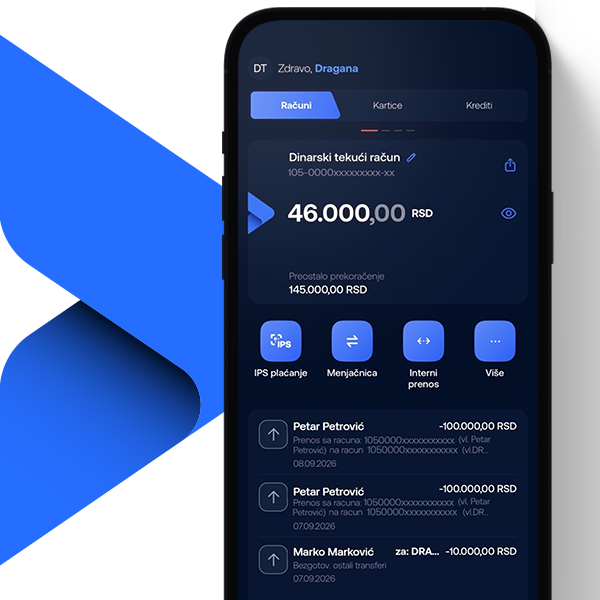
- Clearer display of the balance and allowed overdraft - Monitor the balance and allowed overdraft at any time, with a dynamic display of the used and remaining amount.
- Hide account balances - You can visually hide account balances and further protect the privacy of your financial data.
- Share account information – If needed, you can easily share your information through email, Viber and other channels.
Security
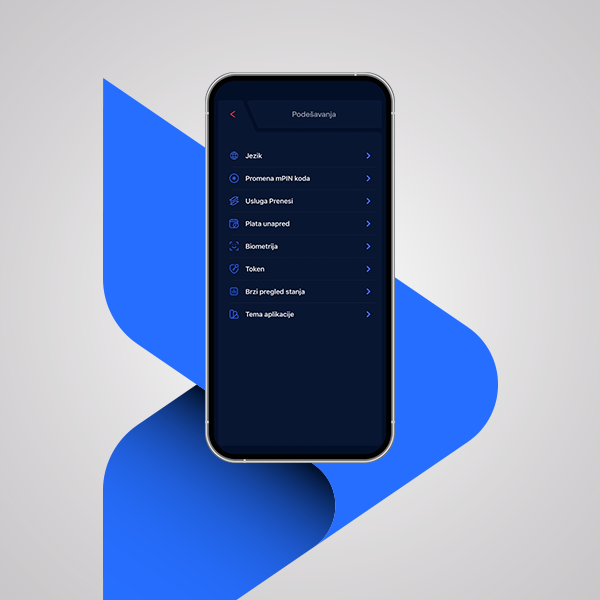
The new version of the AikBank mobile application provides users with modern and secure ways of authenticating and confirming payment orders. Download and regularly update the application from the appropriate store (Google Play and App Store) and activate the security license (token). Learn more in the Security Recommendations for Users.

How to stay safe in the online environment?
In the digital world, protecting your personal information is crucial. Scams via fake messages, phishing sites, and suspicious links often seem convincing, but they can seriously compromise your security.
It is important that you know the basic rules of protection in the online environment - from recognizing scams and careful password management, to responsible use of technologies.
Visit the Internet Security page and learn how to spot risky situations in time and how to protect yourself at all times.