Instant QR code payments enable quick and easy shopping
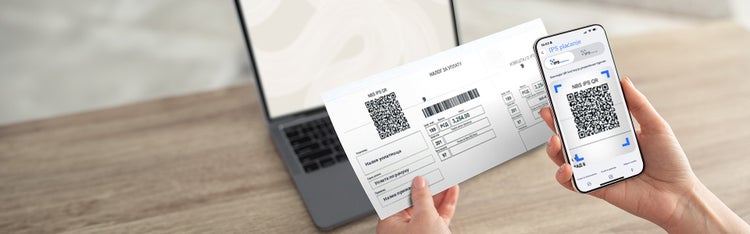
With the mBanking application, you can pay in just a few seconds, either online or at points of sale, by simply scanning or showing a QR code.
IPS offers you several options for fast, secure and easy payment:
IPS Scan
Pay your bills quickly and easily with IPS Scan! Here's how to use this service:
-
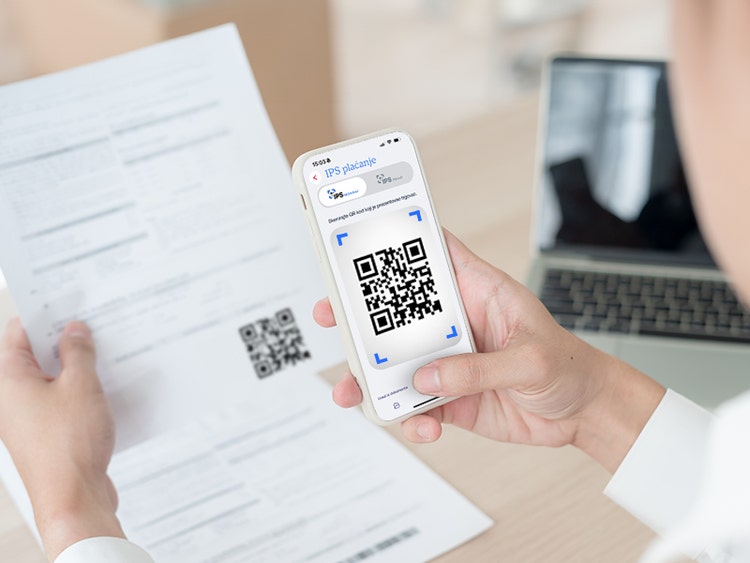
Launch the Aik mBanking application and select the IPS Scan option (before logging into the application or in the “Payments” option after logging into the application)
-
Choose one of 3 ways to load the QR code:
- Scan the QR code from the receipt or point of sale
- Import from gallery – select an image with a QR code located in the gallery
- Import from document - select a PDF document with a QR code that is
-
The completed order will be displayed on the Aik mBanking application screen. You can change the payment amount.
-
Confirm the payment by entering your mPIN code or scanning your face, in the same way you confirm other mBanking payments
IPS Show
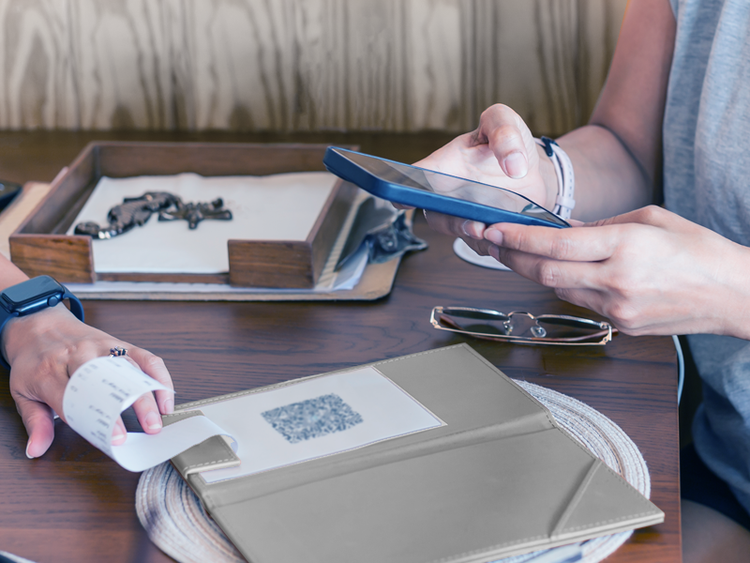
IPS Show is a convenient way to pay digitally with merchants - here's how:
- Tell the seller you want to pay via IPS option
- Launch the Aik mBanking application and select the IPS Show option (before logging into the application or in the “Payments” option after logging into the application)
- Log in to the app with your mPIN code or face scan
- The app will generate a QR code. Show this QR code to the merchant who will scan it and process the payment.
It is important to know that the QR code has a limited validity of 45 seconds. After that time expires, you will need to generate a new QR code in order to make a payment.
Upload
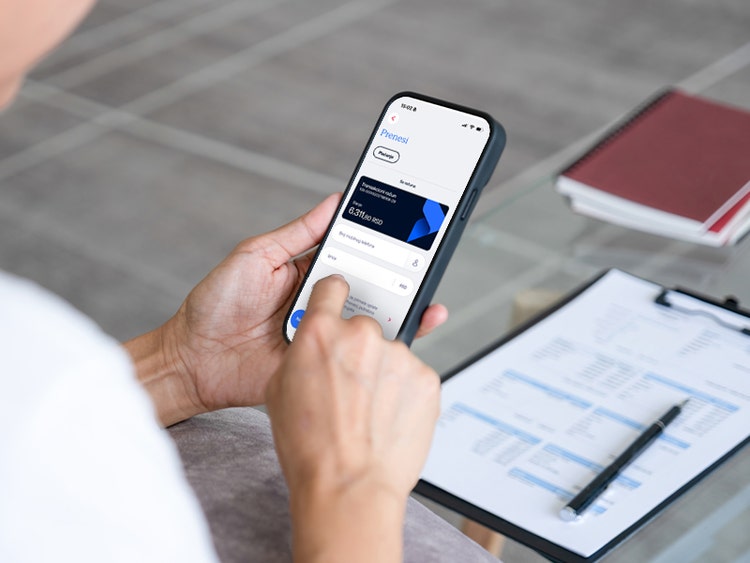
Sometimes, all you need to send a payment is the phone number of the person you want to pay to and the Transfer option in the Aik mBanking application.
- In the Aik mBanking application, select the Payments option, then the Transfer option.
- Select the person you want to send money to from your contact list
- Enter the desired amount and confirm the payment by entering your mPIN code or scanning your face, in the same way you confirm other mBanking payments.
In order for the payment to be successful, you and the person you are paying to have the Prenesi service activated. Activate the service in the Aik mBanking application by entering your first and last name, phone number, and selecting the account from which you want to send and receive funds via this service.